Business as usual, with a second brain on every account.
You already have Company Access to your clients' Seller Central. Export the reports the way you do today, upload them, and every client account gets the same judgment and the same ranked list, the moment the files land. One login. Every client in one switcher.
Your clients never log in and are never contacted by us. The account is yours.
Nothing new to set up on the client's side
- Add a client account from your own Account Settings, under your own code, not the client's name. We never ask for it and never need it.
- Export and upload. One Bulk Operations workbook saves as one dated batch (the four Sponsored Products reports do the same for whoever cannot get it). The Business Report and All Orders attach to it. Each line says the exact file to look for.
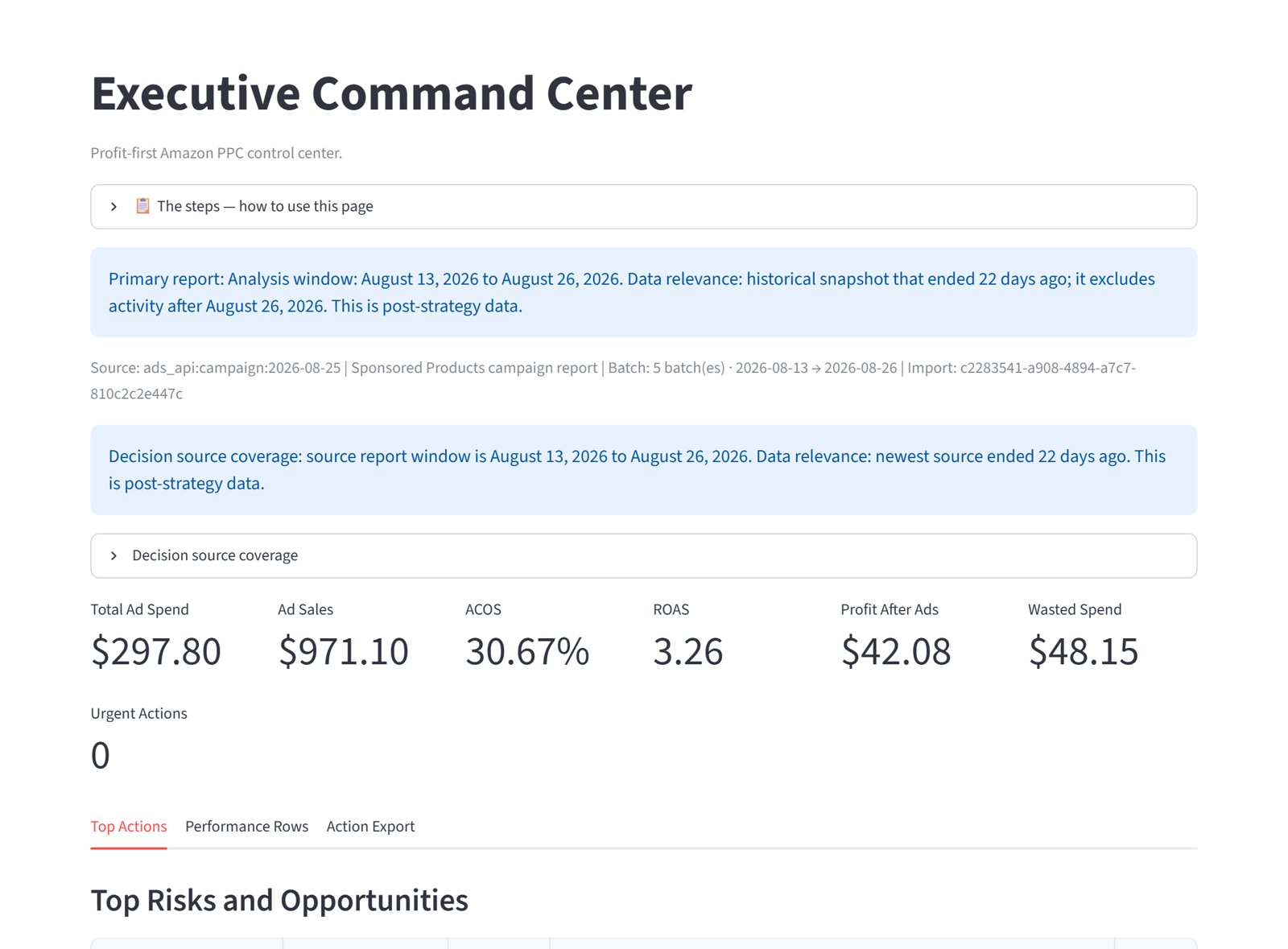
- Work the list. Do Now ranks the changes for that account by dollars at stake, with the reason on each line. Make them in Campaign Manager, or connect the account later and apply them from here.
- Switch accounts, repeat. The switcher lists every client you manage. Nothing from one account ever shows in another.
Written so you can repeat it
We never hold your clients' credentials
Upload accounts carry no Amazon connection at all. There is nothing on our side that can reach the client's account.
We never ask for a client's name
The account is named by you. The only email we hold is yours. Your clients are not on any list we keep.
Every account is its own store
Data is never pooled across accounts, never shown to another account, and you can delete an account's data yourself, with a written confirmation.
One plan for all your clients, no limit on accounts
You pay for the products you manage, counted across every client account together, at the same bands as a seller. Add as many client accounts as you have clients. No platform fee, no seat count, no charge per account.
New agencies can start with a complimentary term, so you can get comfortable with the app on real accounts before anything is billed. Ask for access, a person answers within 24 hours, and the approval email carries the demo link and the link to your own account.